
Tell us about your home.
Send your address and eight photos—one of each side and corner of your home. Tell us what you’re looking to change.
RENDERINGS & PRODUCT VISUALIZATIONS
Compare exterior materials, colors and combinations before committing to a roof or siding project.
SEE EVERY SIDE
After taking photos of all four sides and corners, we upload them so you can see your home just as it is now—and how it COULD BE. Explore this sample home using the rotate buttons or swipe across the house.
Front · 1 of 8
Eight views of a sample HOVER model. Material and color comparisons continue in the walkthrough below.
HOVER 3D HOME DESIGN
Weather Shielders offers rendering and product visualization services. We use HOVER for siding and exterior design so you can explore options on a 3D model of your home.
Ask us to compare vinyl siding, fiber cement lap siding, board-and-batten siding, dimensional asphalt shingles and traditional three-tab shingles. We can help coordinate roofing, trim, shutters, doors and gutters.
Model preparation, supported products and any rendering fee are confirmed during your consultation. Screen colors are approximate; approve physical samples and local availability before ordering.
HOVER 3D HOME DESIGN
Start with photos of your home and explore the possibilities on a HOVER 3D model with our help. Choose a siding style, compare trim colors, then try different roofing materials. The product sidebar lets you explore manufacturer products and the colors offered for each selection.
Follow this sample home's design journey below. All seven pictures are from HOVER, including the final TAMKO shingle selection.
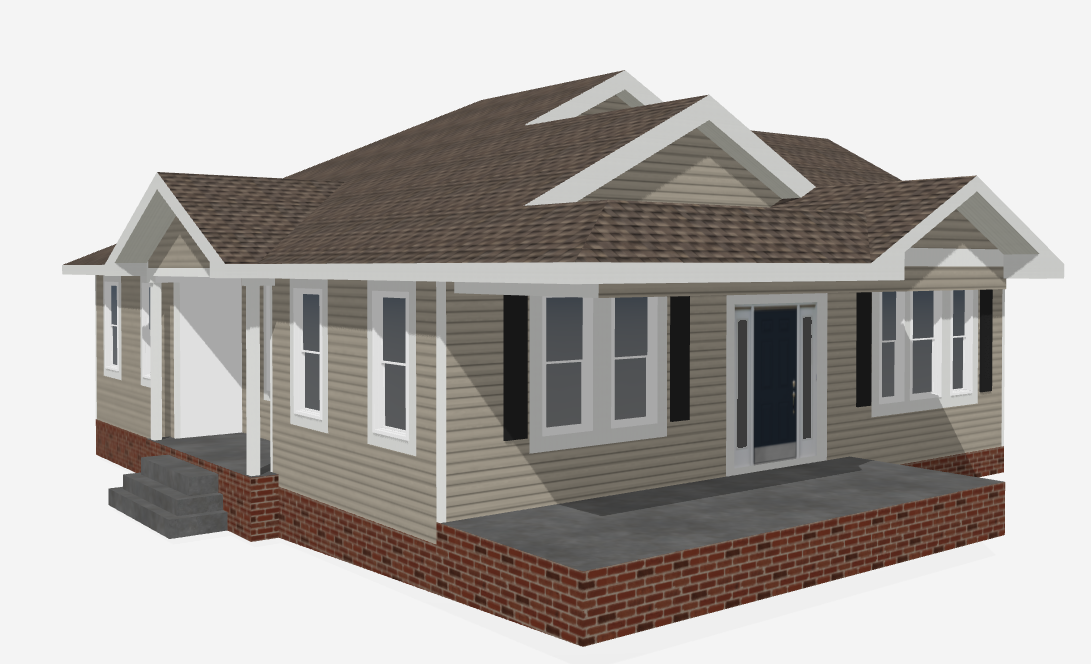
STEP 1 / PHOTO 1 OF 7
Here is the starting point: the home in 3D, with its existing horizontal siding, white trim and shingle roof. Now you can see how each new choice changes the whole look.
Your starting pointExisting siding, trim and roof
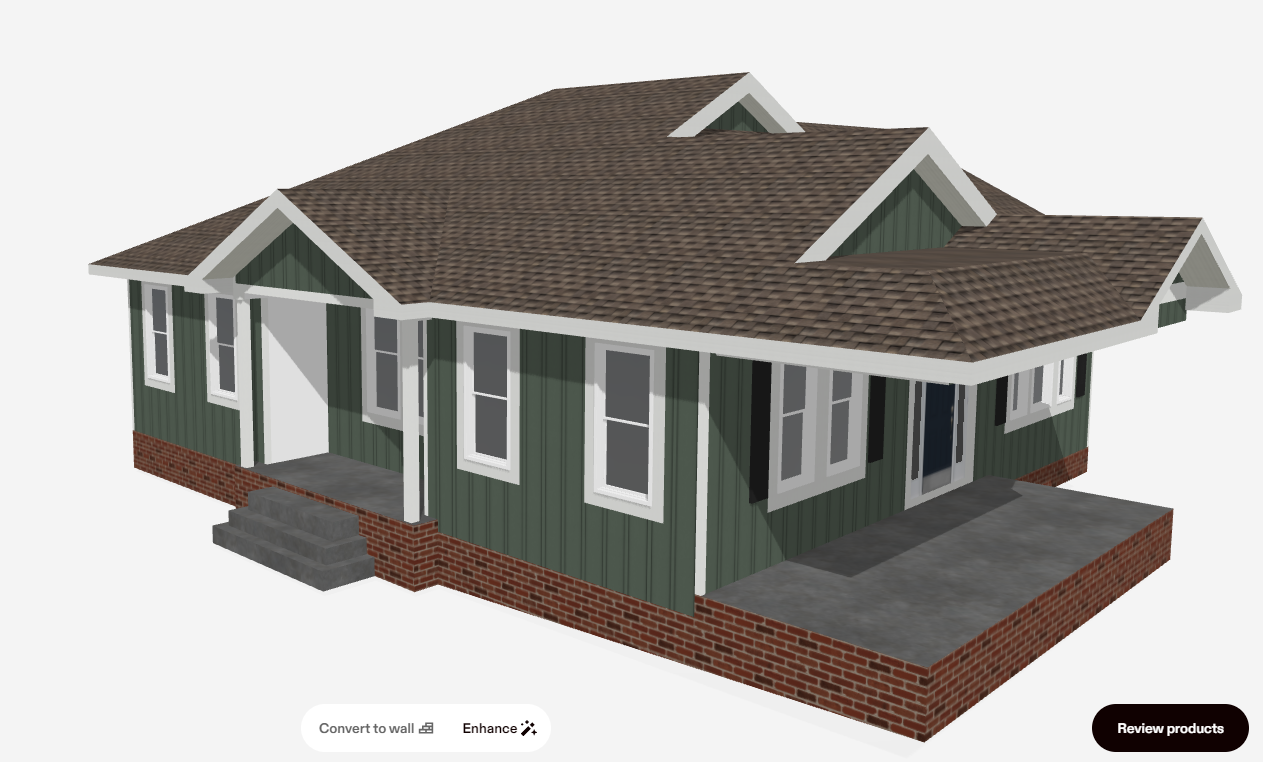
STEP 2 / PHOTO 2 OF 7
Start with the siding. Choose a siding style and color from the available options. Here, horizontal siding changes to vertical board-and-batten in green. Keep the roof and trim as they are while you decide how you like the new siding.
Siding choiceGreen board-and-batten
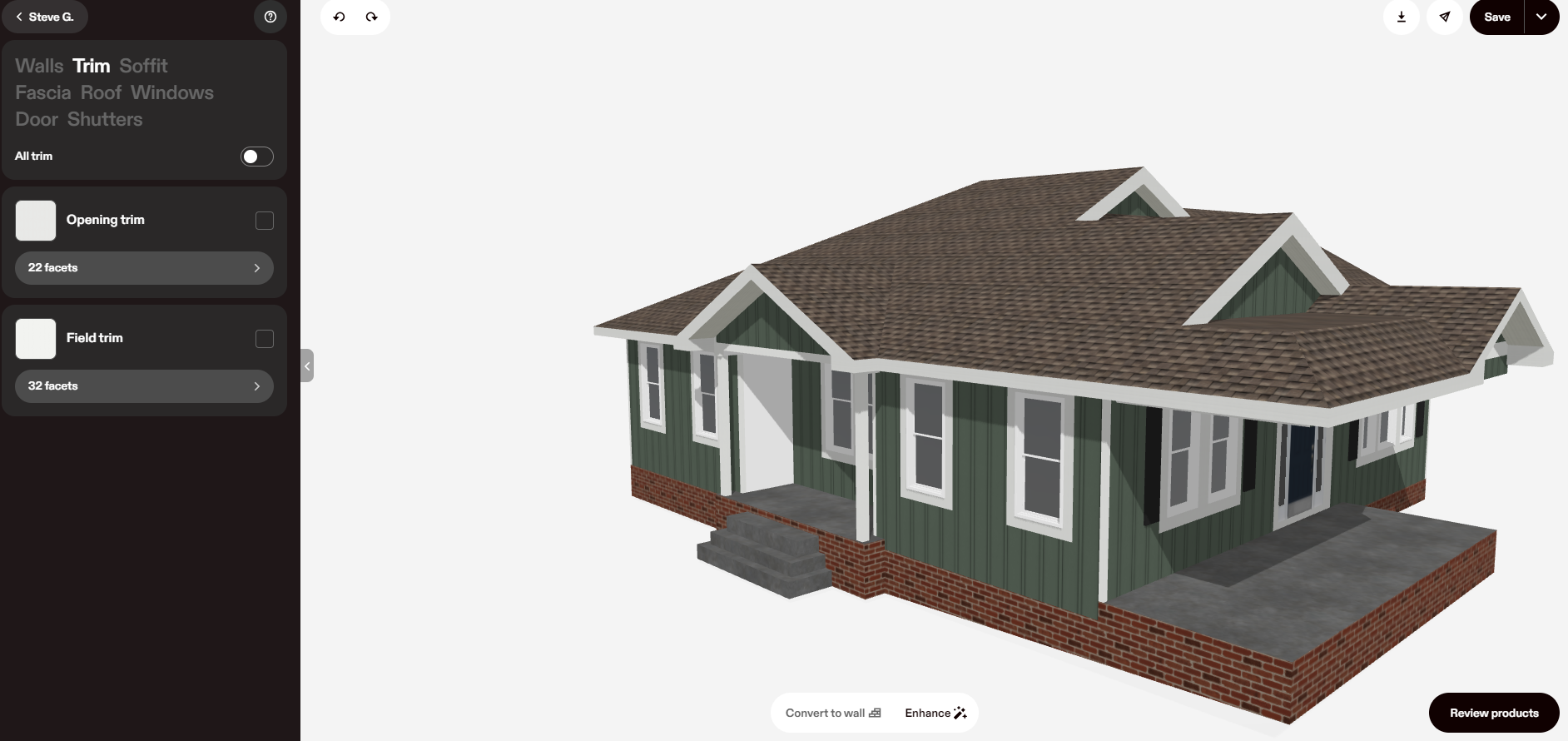
STEP 3A / PHOTO 3 OF 7
Next, open Trim in the sidebar. Preview the trim around the windows and along the corners and roofline. White gives this green siding a crisp contrast. Like the siding, but want a warmer finish? Try another trim color next.
Trim comparisonWhite trim with green siding
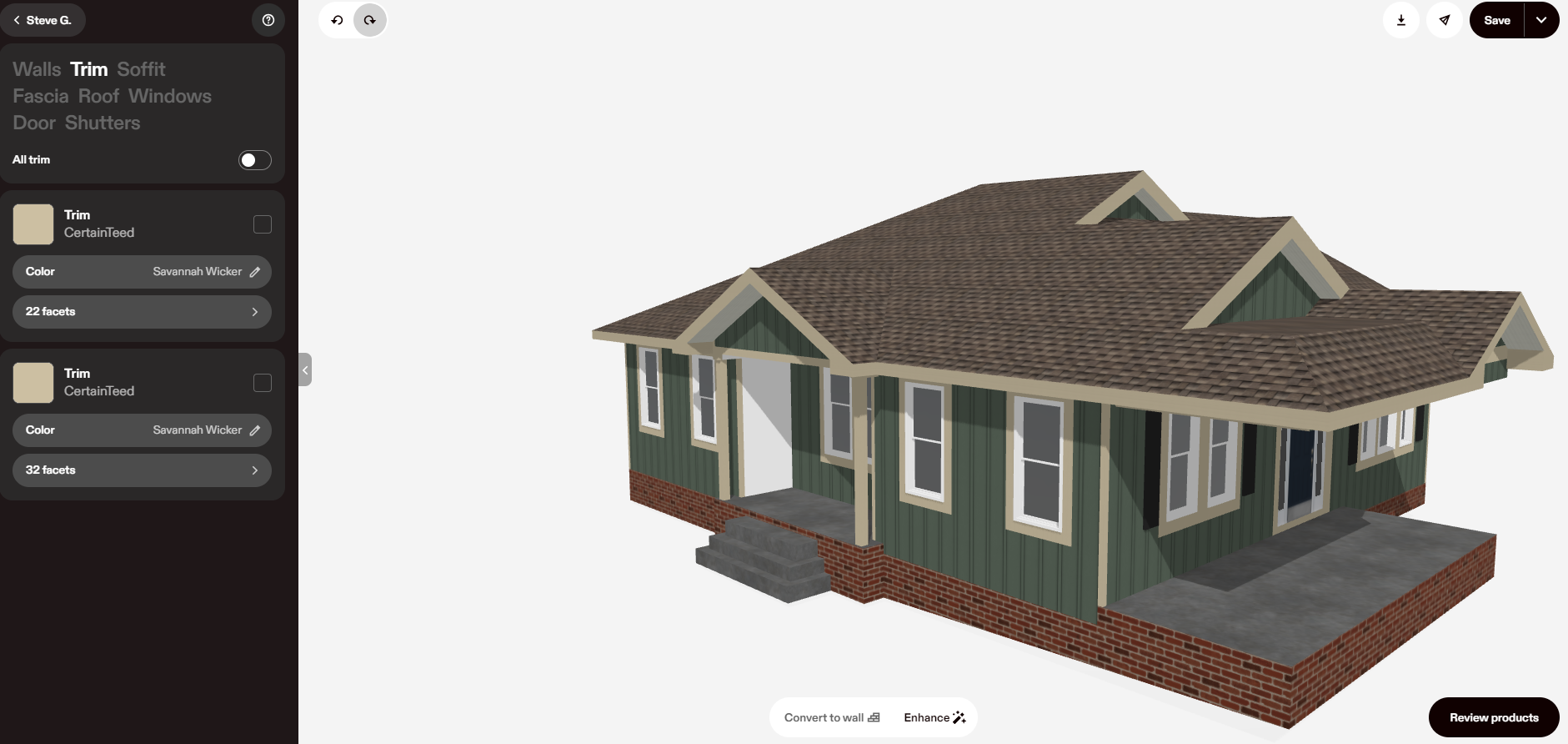
STEP 3B / PHOTO 4 OF 7
In the Trim sidebar, choose CertainTeed and the Savannah Wicker color shown here. The warm khaki shade replaces the white trim, so you can compare the two looks on the same home before moving on to the roof.
Trim selected in this exampleCertainTeed · Savannah Wicker
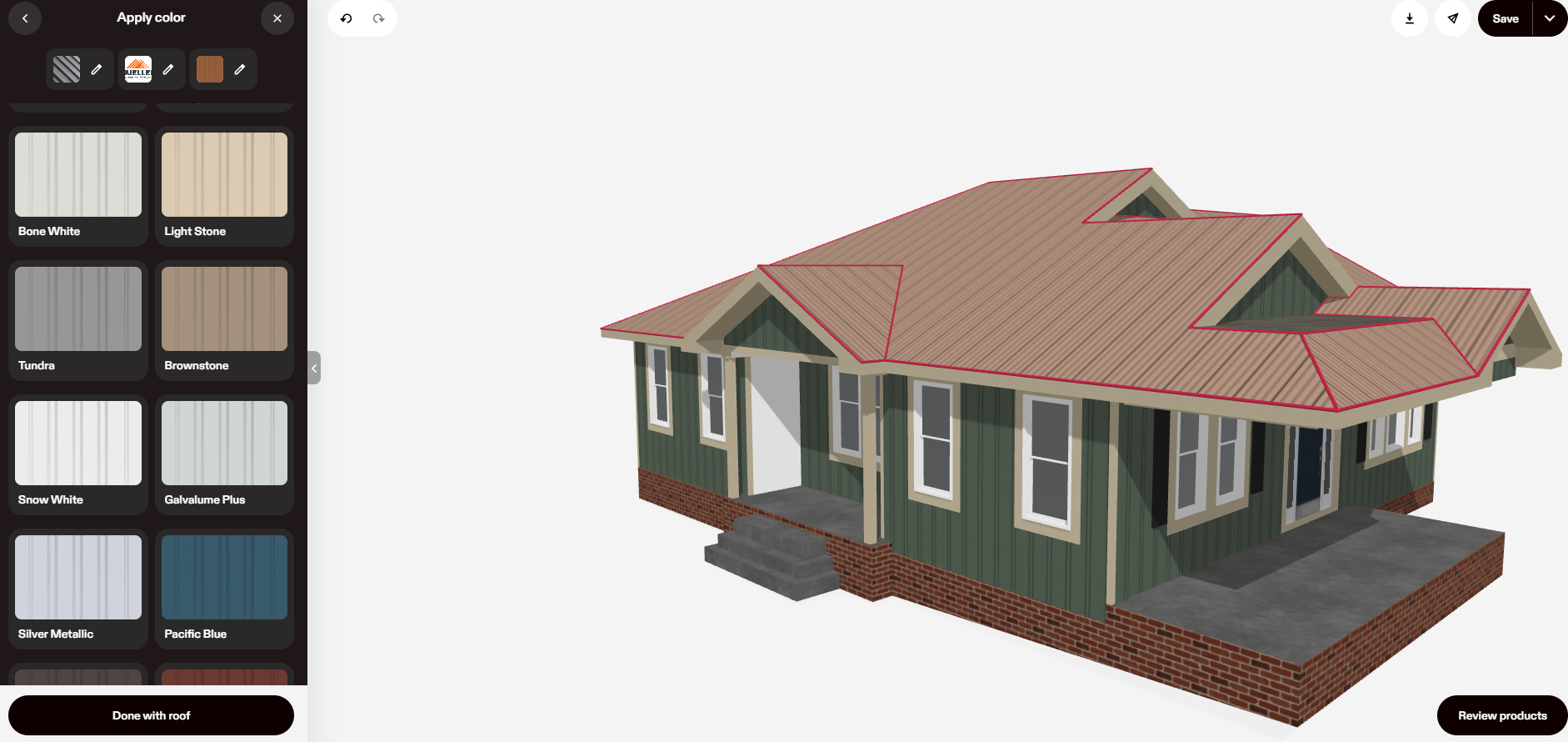
STEP 4 / PHOTO 5 OF 7
Move to the roof options and try metal. The sidebar shows a Mueller metal-roof option and color swatches to explore. Preview this lighter brown look with the green siding and warm trim, then try a darker roof to compare.
Roof comparisonMetal roofing · lighter brown look
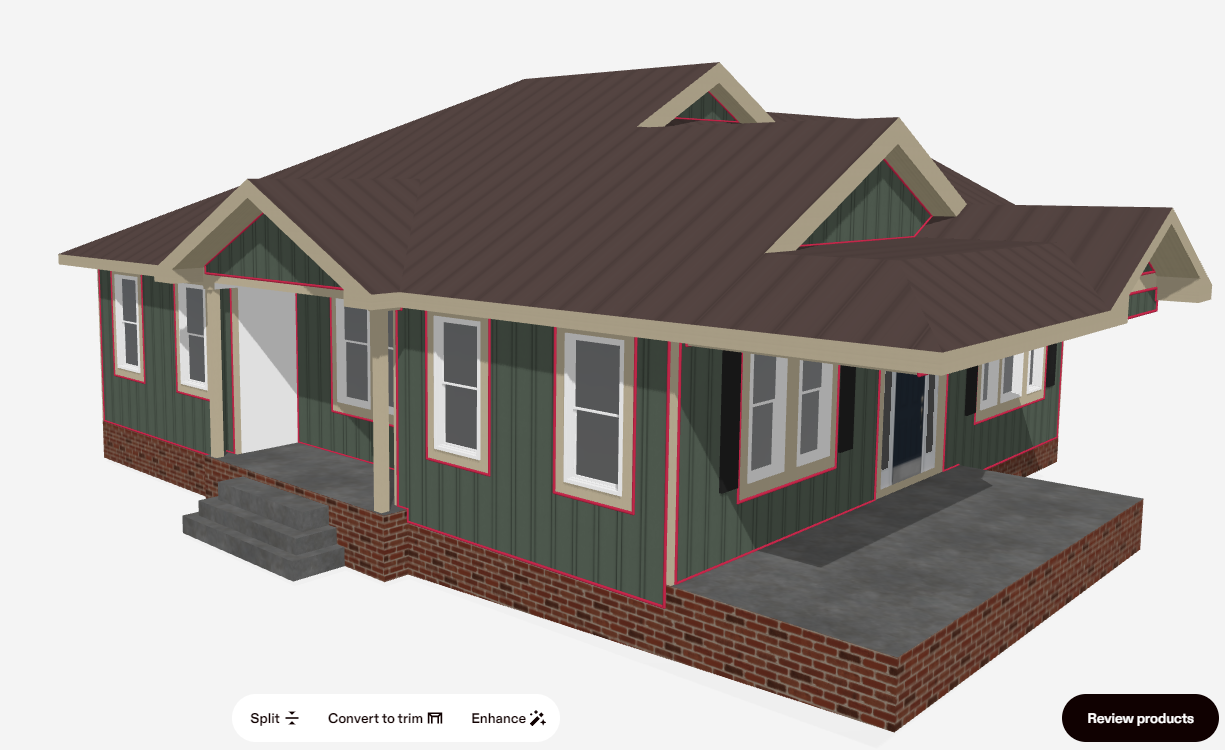
STEP 5 / PHOTO 6 OF 7
Keep your siding and trim choices and switch the metal roof to a deeper brown. Looking at the whole home makes it easier to decide whether you prefer this darker contrast or the lighter option you just tried.
Roof color comparisonMetal roofing · deeper brown look
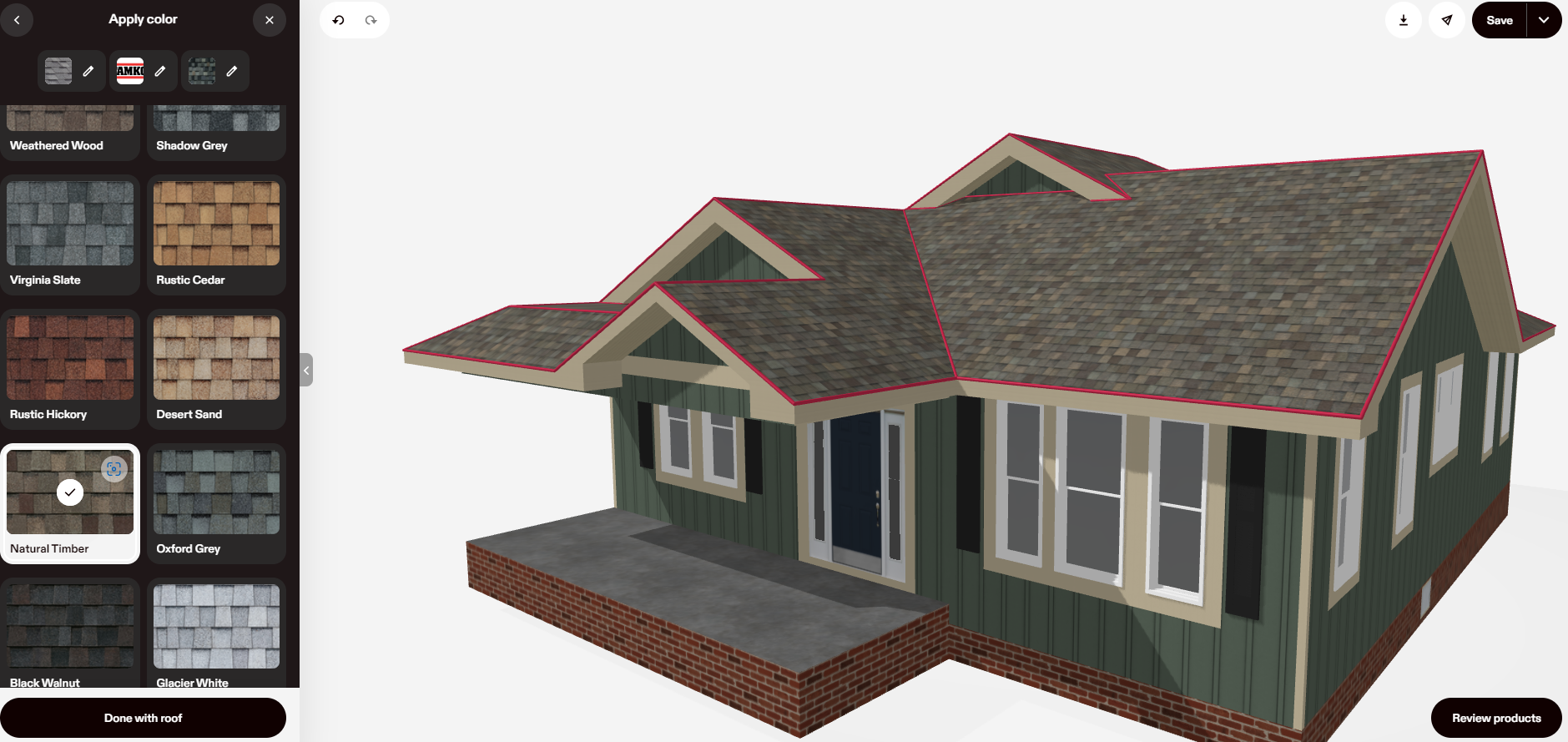
STEP 6 / PHOTO 7 OF 7
Want the textured look of shingles instead? Switch to TAMKO architectural shingles and select Natural Timber from the roof-color sidebar. This example finishes with Natural Timber shingles, green board-and-batten siding and Savannah Wicker trim.
The final combinationTAMKO Natural Timber · green siding · Savannah Wicker trim
Select a picture to open it full size and see the product sidebar more closely. These screenshots show a sample design session; product choices and colors vary by manufacturer and local availability.
YOUR HOME, YOUR FINISHING TOUCHES
Bring us your ideas. We’ll help you compare the options, review real samples and work out the details for your home.
Send your address and eight photos—one of each side and corner of your home. Tell us what you’re looking to change.
We’ll create a 3D model of your home as it is now, then show you different types and colors of siding, trim and roofing to help you visualize the possibilities.
Review samples, measurements and the written scope before signing your agreement.
TAMKO ROOF VISUALIZER · A SEPARATE DESIGN TOOL
TAMKO's Shingle Styles Visualizer lets you upload a photo of your home or choose a sample home, then explore TAMKO shingle styles and colors. Use it when you want to compare roofing choices with your home's existing exterior.
ONE HOME. FOUR POSSIBILITIES.
Compare these roof previews prepared for the same home. Select a look below, use the arrows or swipe through the options.
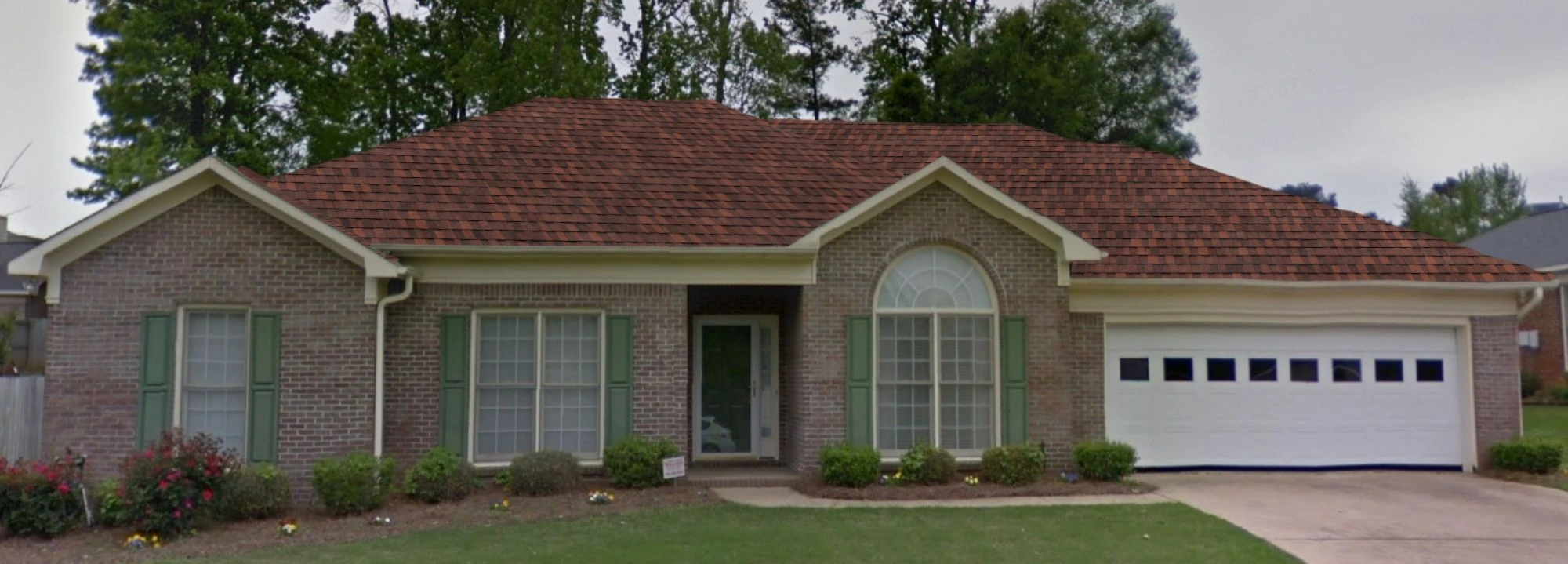
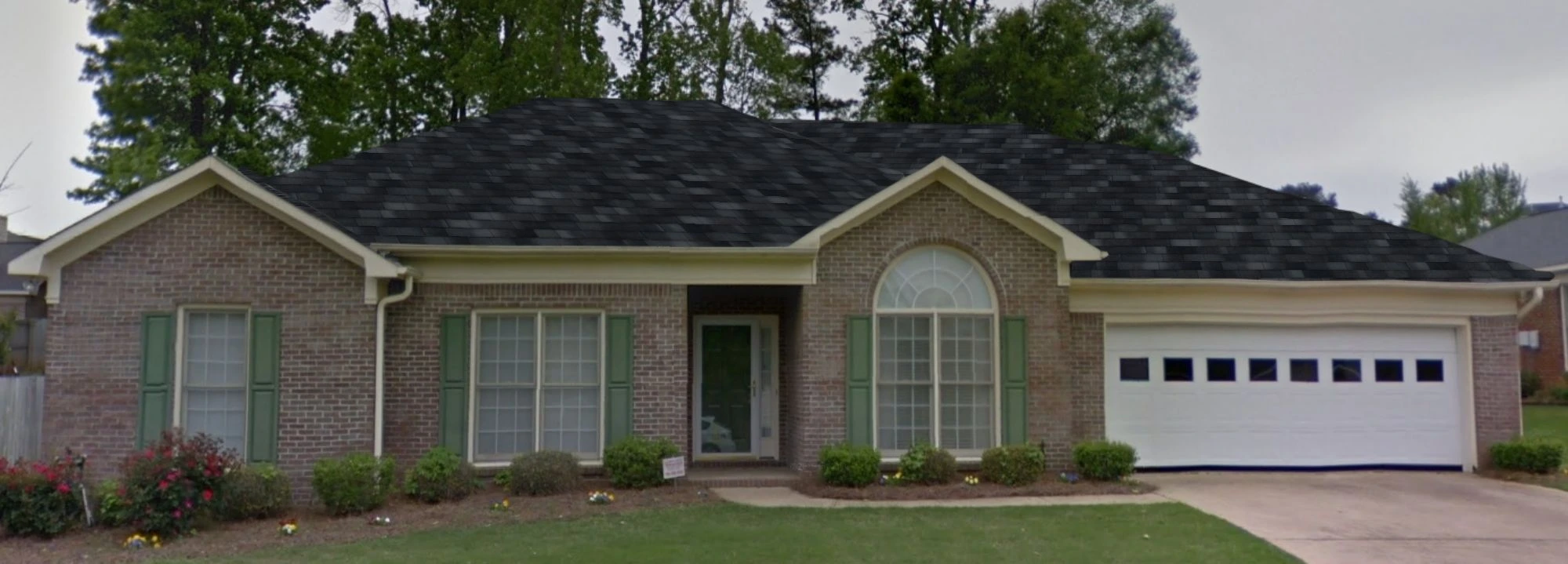
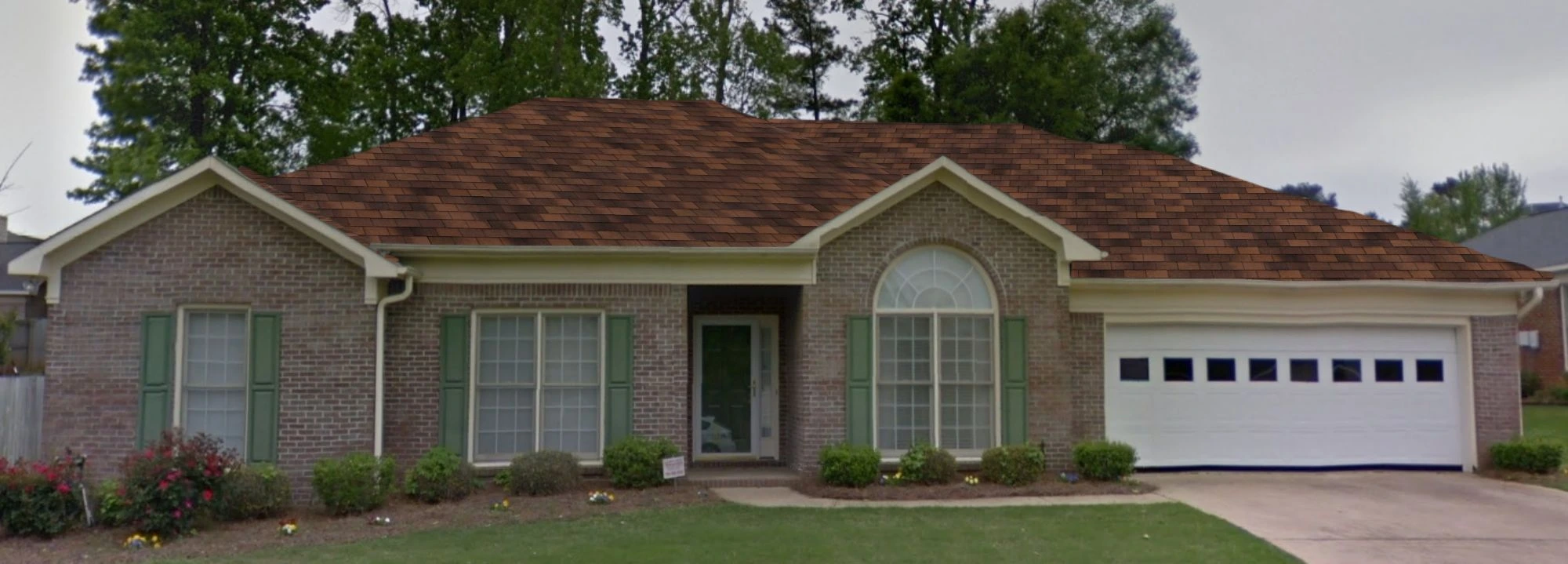
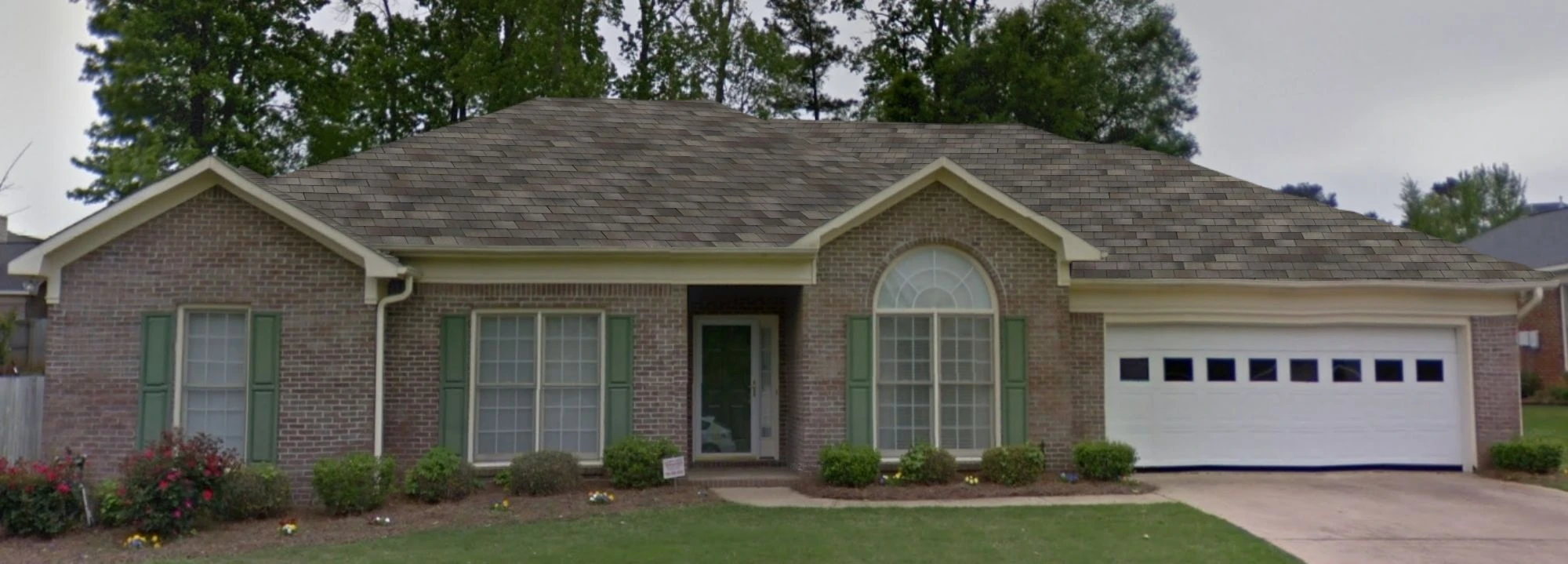
These are roof-color visualizations, not four completed installations. Names follow the supplied previews. Screen colors are approximate; confirm the exact product, local availability and physical samples before choosing.
Open the TAMKO tool and upload a photo of your home, or start with one of its sample homes.
Explore the TAMKO shingles and colors offered in the tool. Compare how architectural or three-tab shingles in Weathered Wood or Rustic Black will look in a photorealistic view of your house.
Note your favorite shingle and color names. We'll help you compare physical samples and confirm the choices available for your home.
The walkthrough above demonstrates HOVER. Open the separate TAMKO tool below to try TAMKO's roof visualization. These optional resources open in a new tab; any paid services are offered by the provider and are not requested by Weather Shielders. Read the outside-tool cost note.
EXPLORE ON YOUR OWN
Want to keep exploring? Visit HOVER for 3D exterior design or TAMKO for its roof visualizer. These independent websites open in a new tab so you can return here when you're ready.
Save or download your favorite designs, or use the tool's share option where available. Send Weather Shielders the images or share links, along with the manufacturer, product style and color names you've chosen. Include your address and the work you'd like priced so we can discuss service and pricing options with you.
We'll review your selections together, confirm product availability and physical samples, and verify the measurements and scope for your written estimate.
Share my designs & request an estimate ↗FROM THE PROJECT LIBRARY
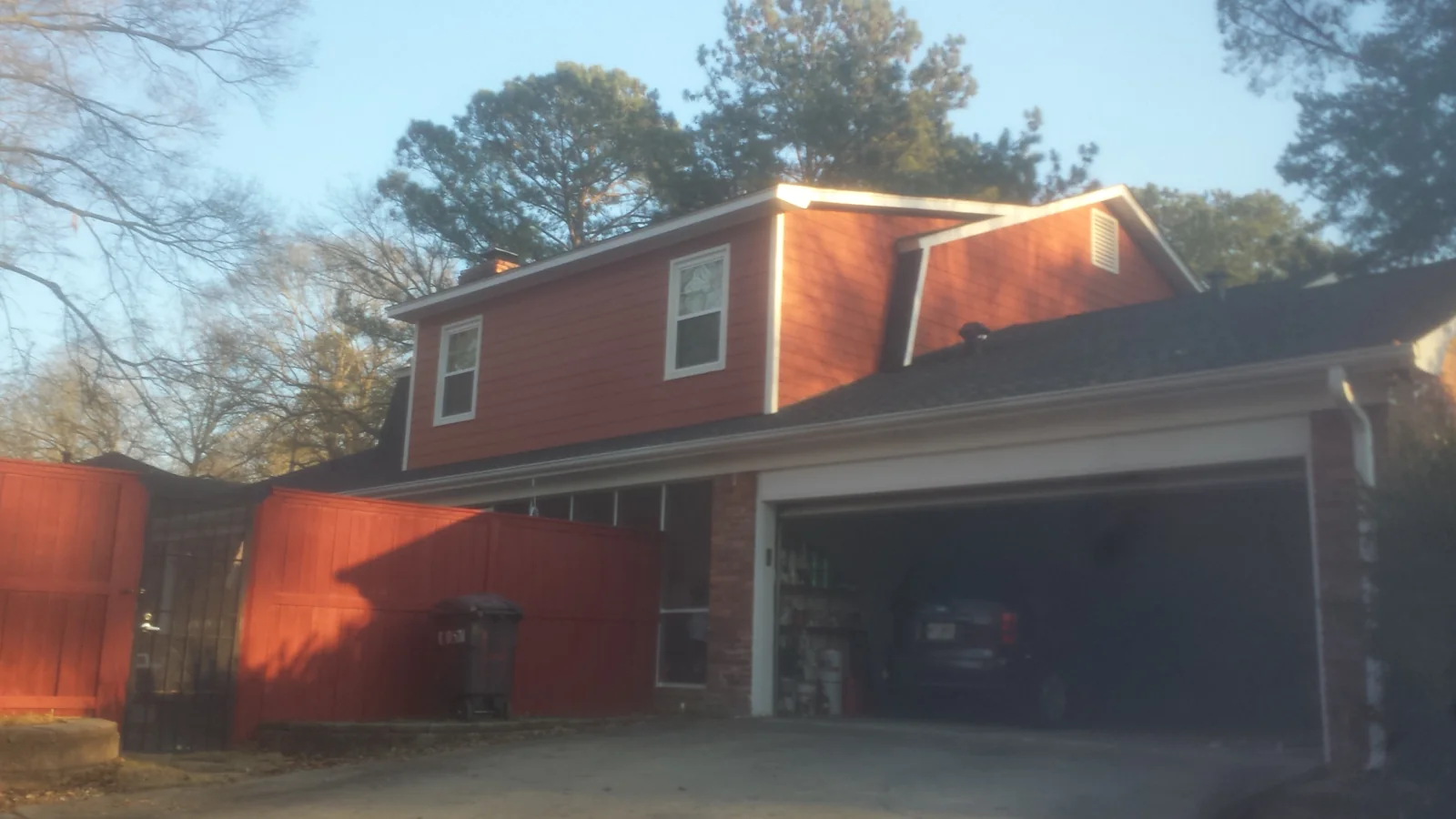
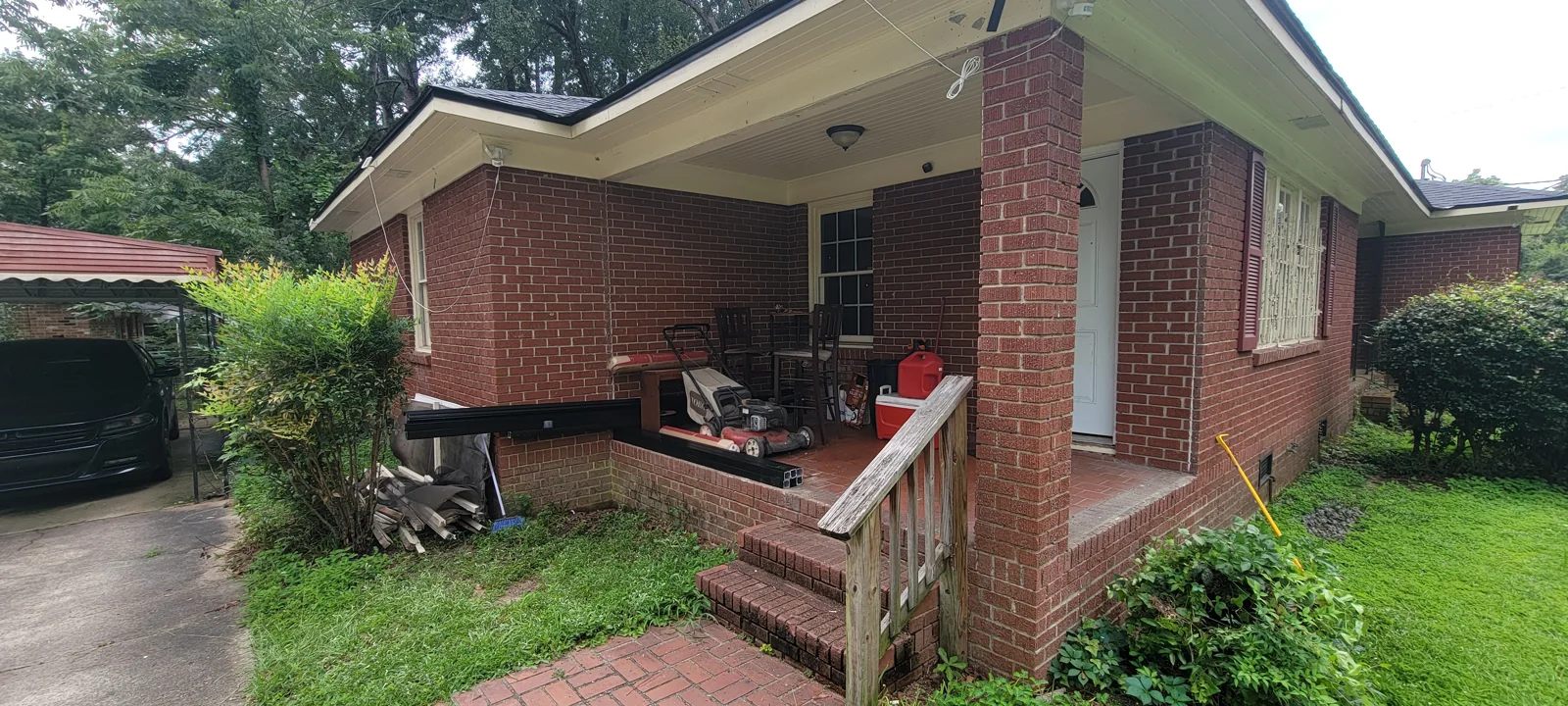
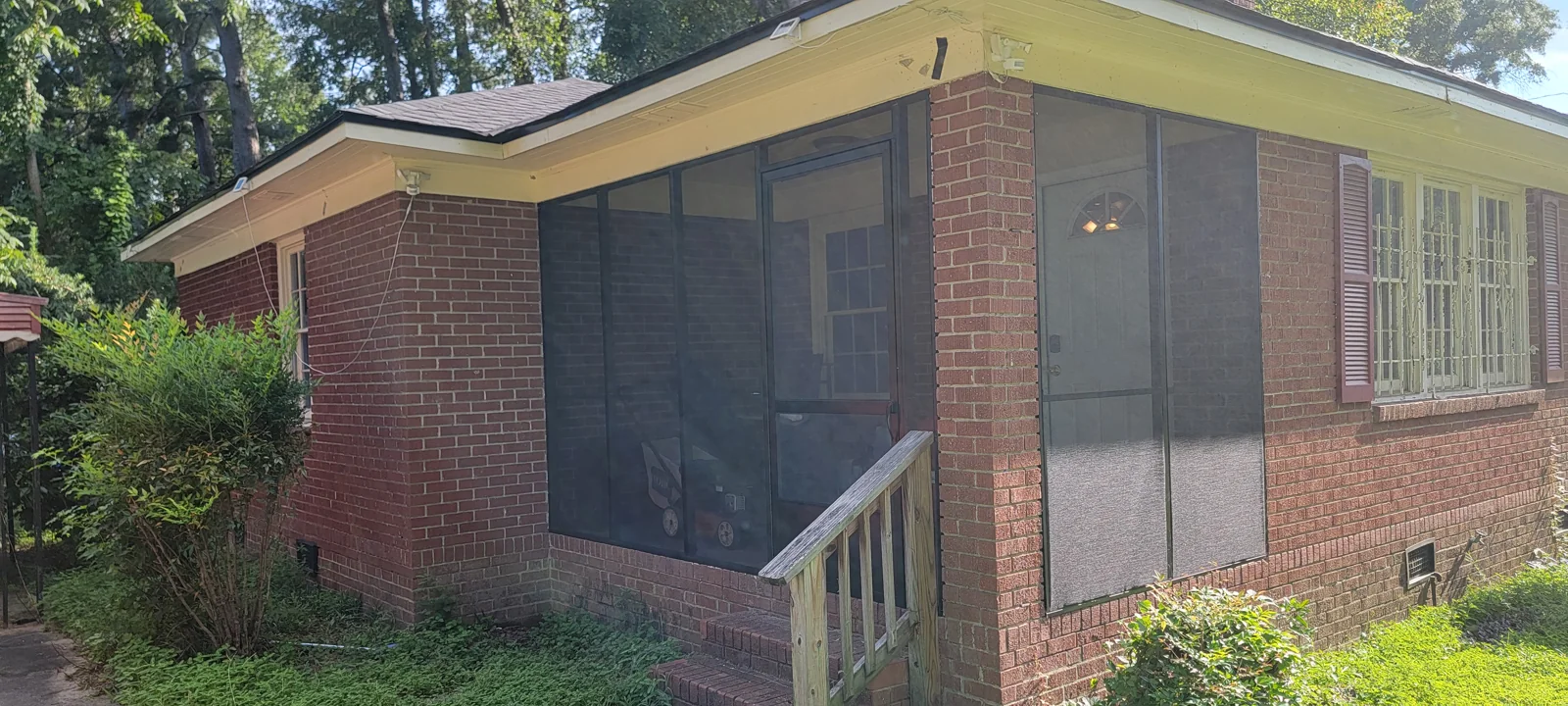
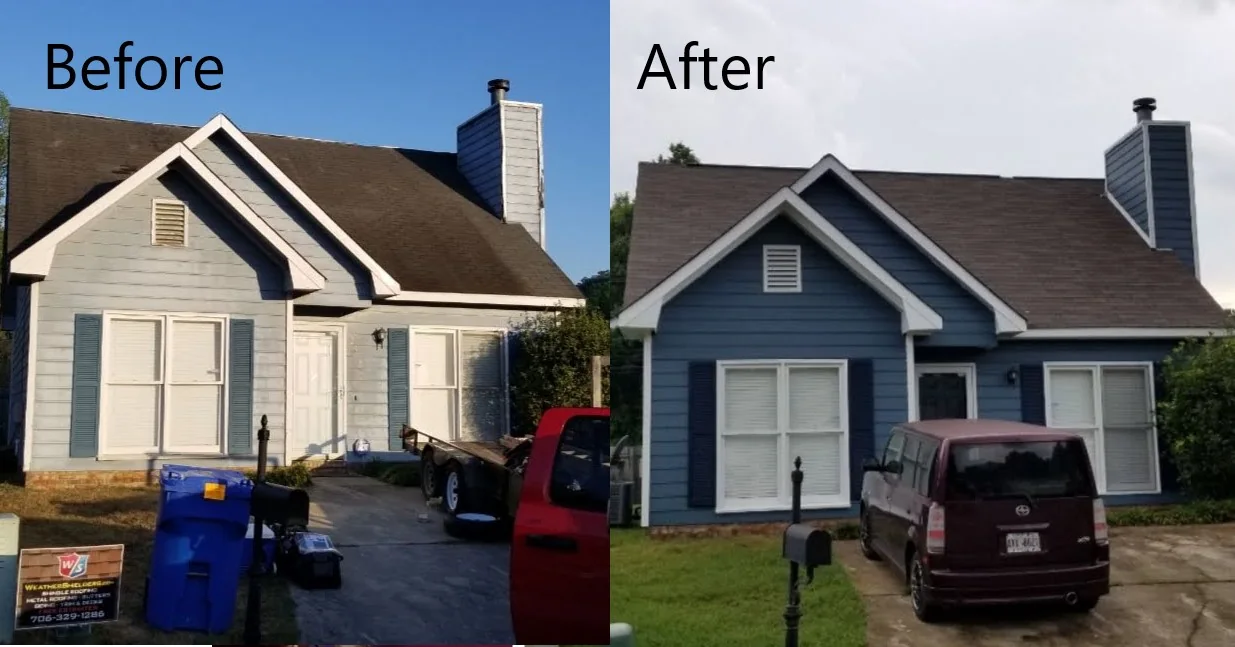
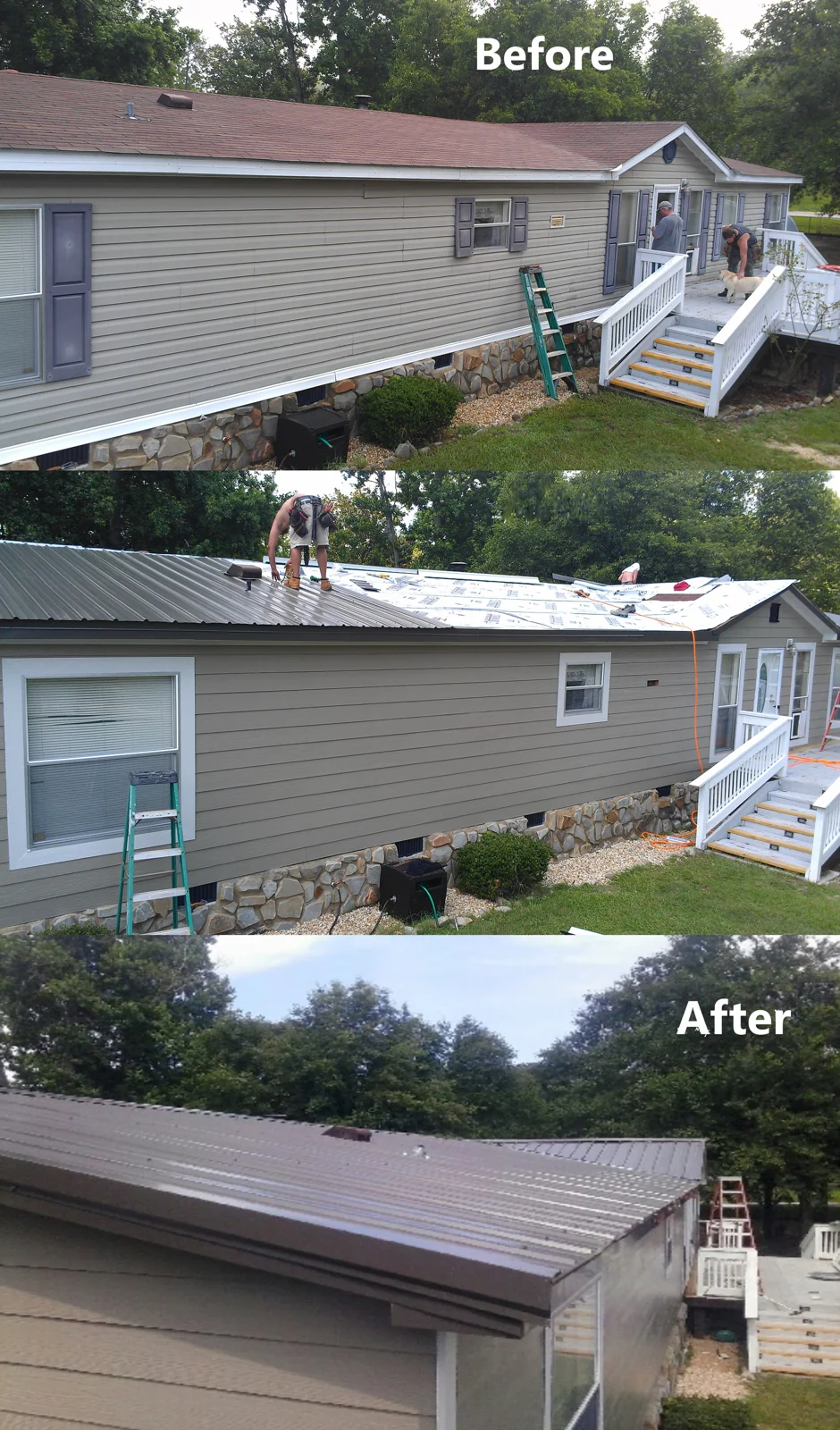
Real project comparisons make material and trim decisions easier to understand. These completed projects are separate from the HOVER design walkthrough.
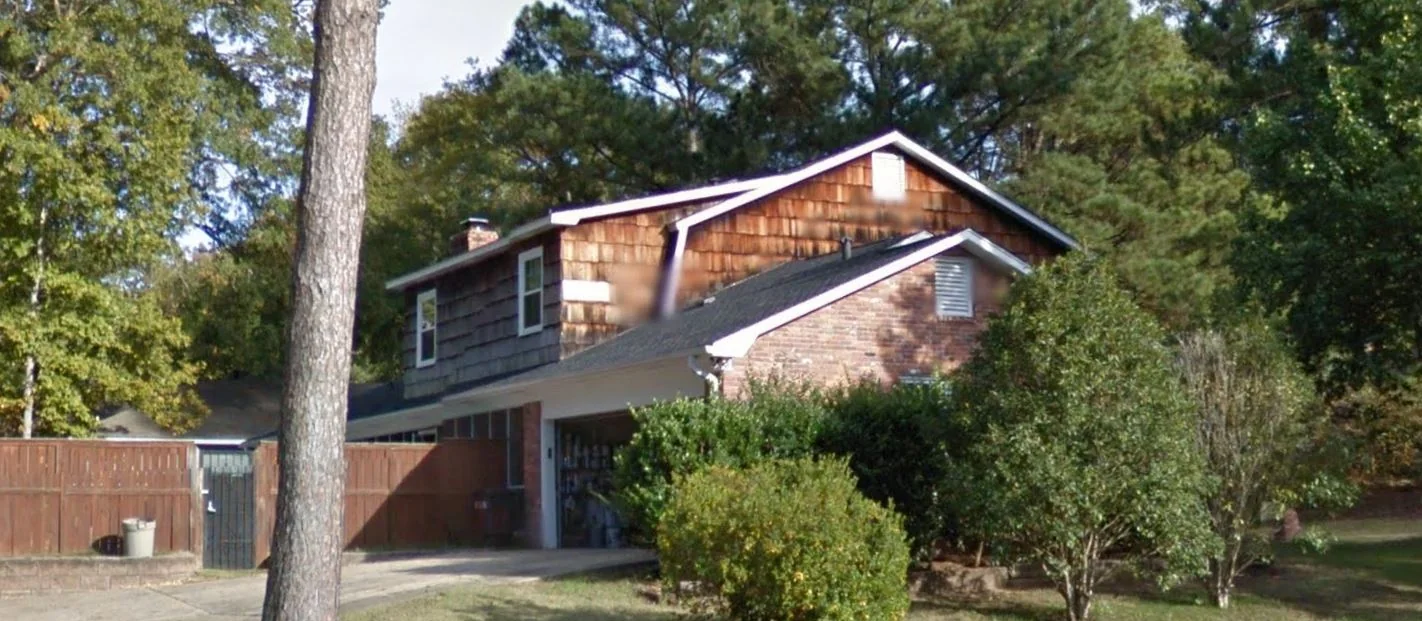
DESIGN INSPIRATION · NOT COMPLETED WORK
Reference renderings from the design library illustrate possible siding, roof and trim combinations. They are not photographs of completed Weather Shielders installations or the proposed designs for the projects above.
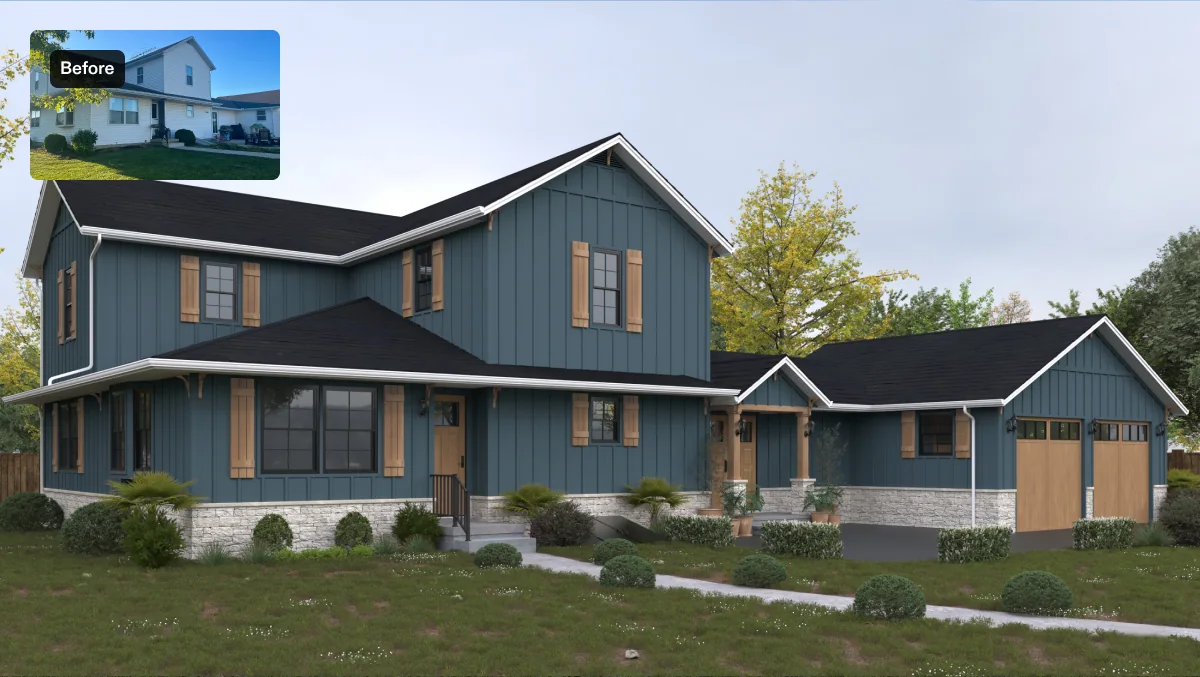
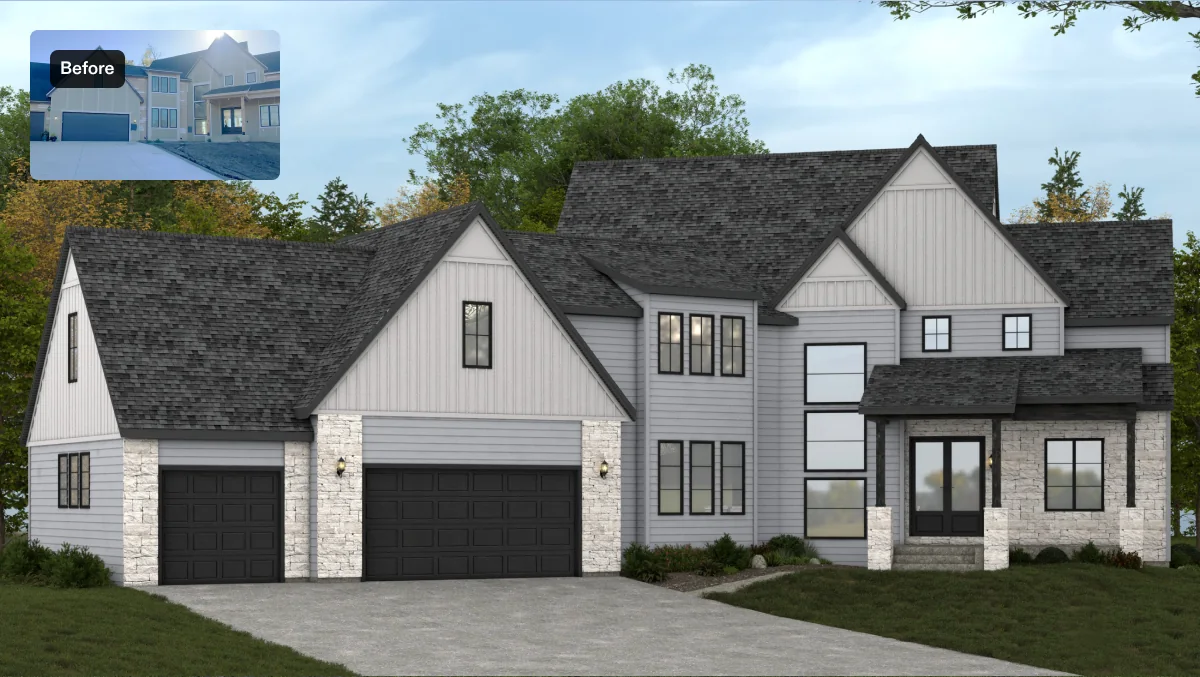
Use the HOVER walkthrough to compare choices on a model, then bring your preferred profiles and color names to a consultation. Confirm physical samples before selecting materials.
Plan my exterior transformation ↗LET’S TALK ABOUT YOUR HOME